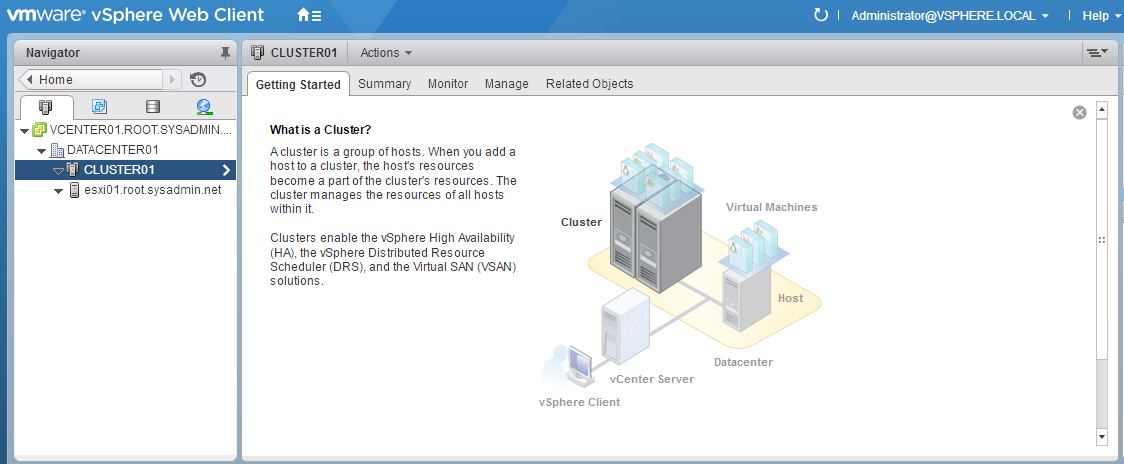
The following is a step by step guide for creating a VMware vCenter Server 6.0 cluster.
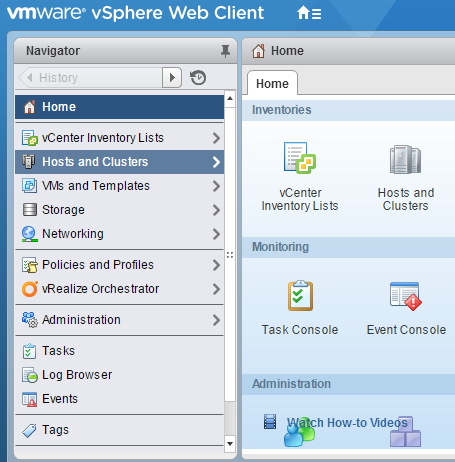
- On the home screen of the VMware vSphere Web Client select Hosts and Clusters.
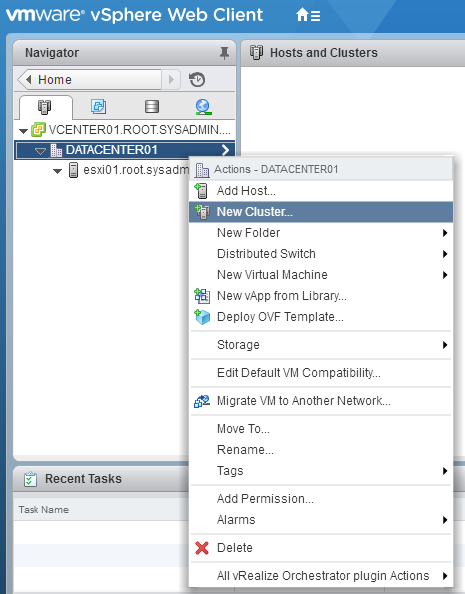
- Right click a datacenter object and select New Cluster….
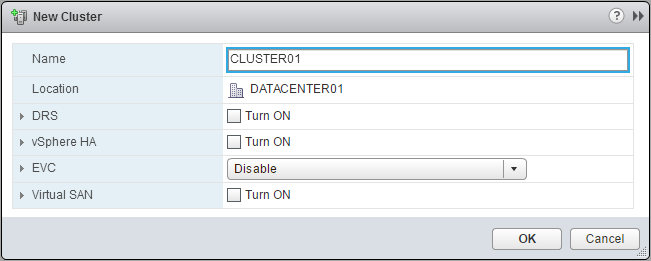
- In the New Cluster dialog box enter a Name for the cluster and click OK.
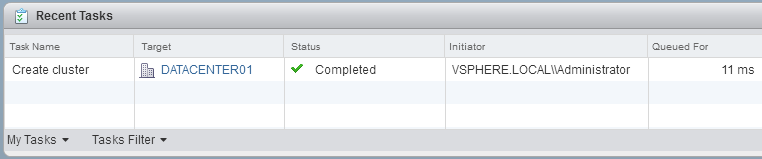
- On the VMware vSphere Web Client verify that a recent task completed for the creation of the cluster.
- On the VMware vSphere Web Client verify that the cluster object has been created.